

Patron Request View
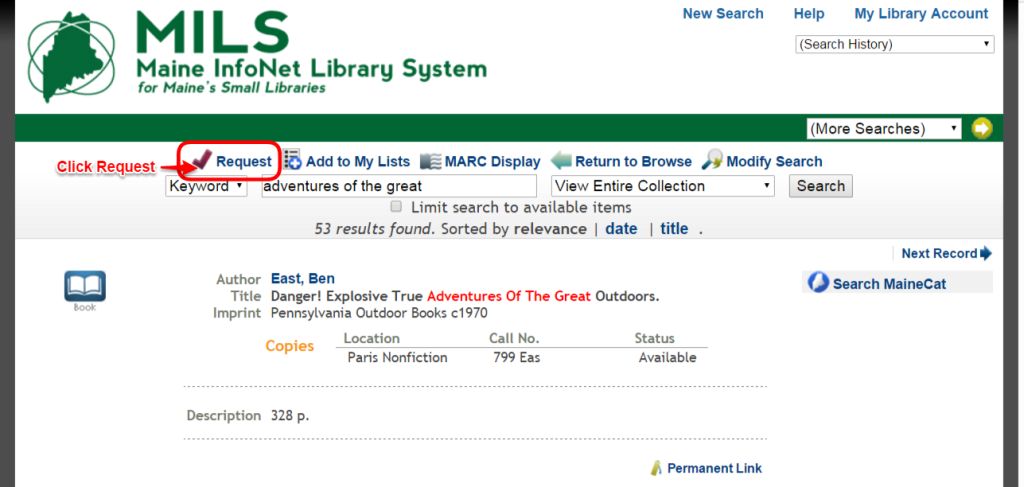
When a patron finds a title they want to put on hold, they will go through the following process:
- Select Request.
- Login with Name and Barcode #.
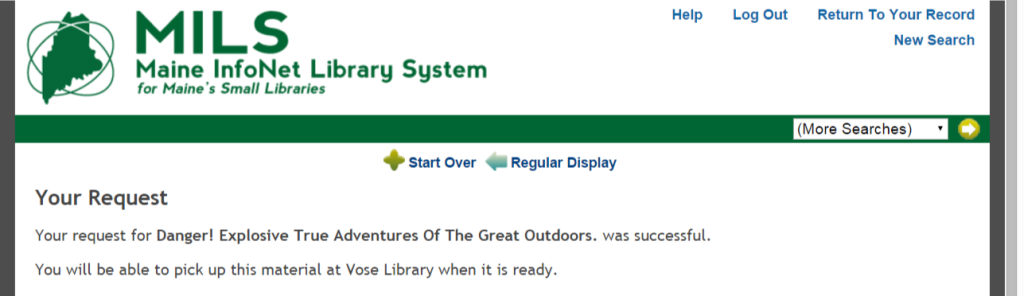
- If successful, the following message will appear:”Your request for [Title] was successful. You will be able to pick up this material at [Library Name] when it is ready.”
- If unsuccessful, a message appropriate to the situation will appear.


